The Complete Guide to AI Interior Design
Jul 18, 2026 · 6 min read
The complete guide to AI interior design: what it is, how it works, what it can do, the best tools, and how designers use it to win clients — with real before/after examples.
AI interior design has turned a slow, expensive process into something anyone can do from a photo in under a minute. This guide is the complete reference: what AI interior design is, how it works, what you can actually do with it, the best tools, and how professional designers use it to win more work. Each section links to a deeper guide where you want more detail.
What Is AI Interior Design?
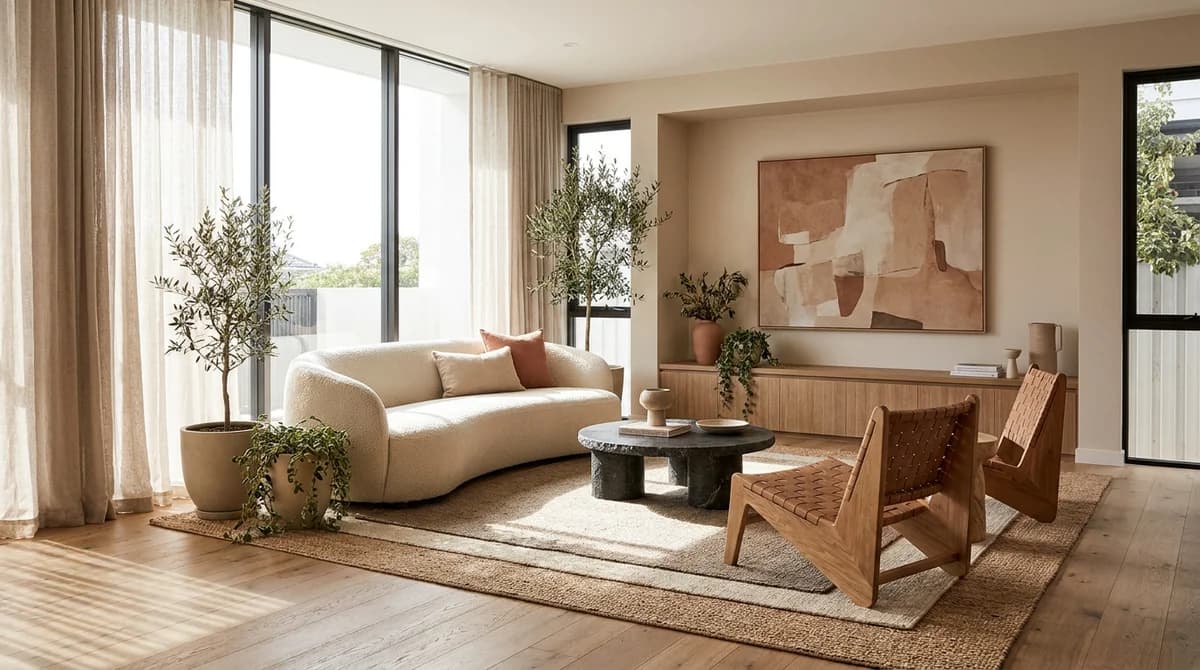
AI interior design uses artificial intelligence to redesign or furnish a room from a single photo. You upload an image, choose a style and room type, and the AI returns a photorealistic version of the space, handling furniture, decor, lighting, and materials automatically. No CAD software, no design degree, no waiting days for a render.
Drag the slider to see a dated room redesigned in one step:
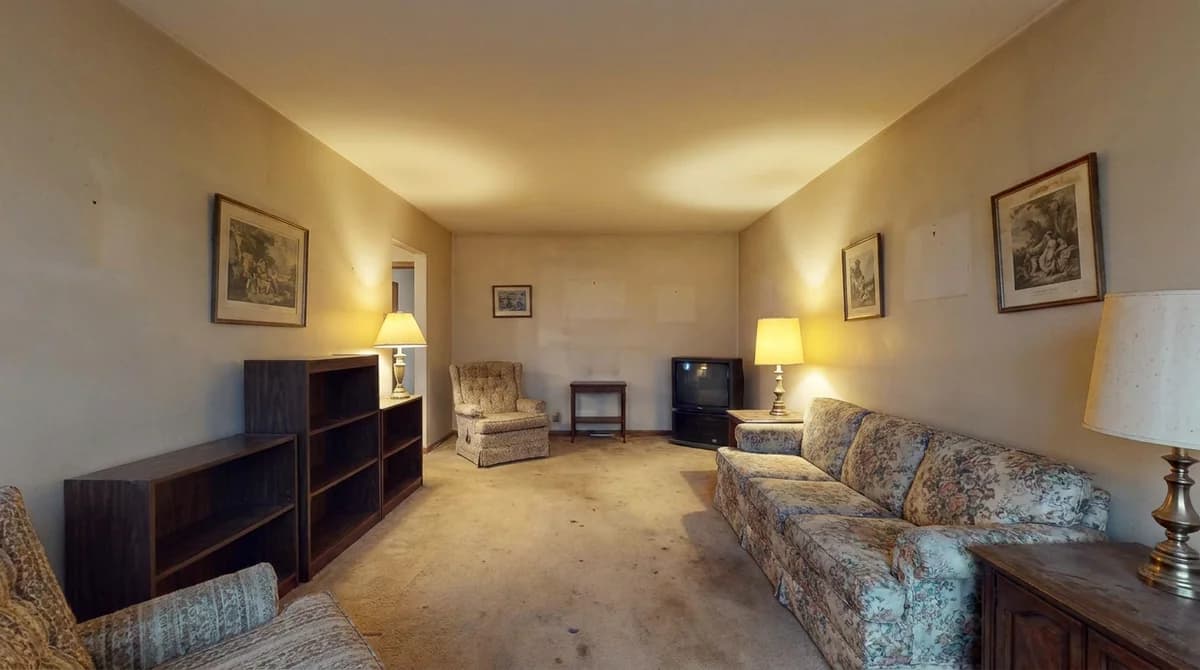
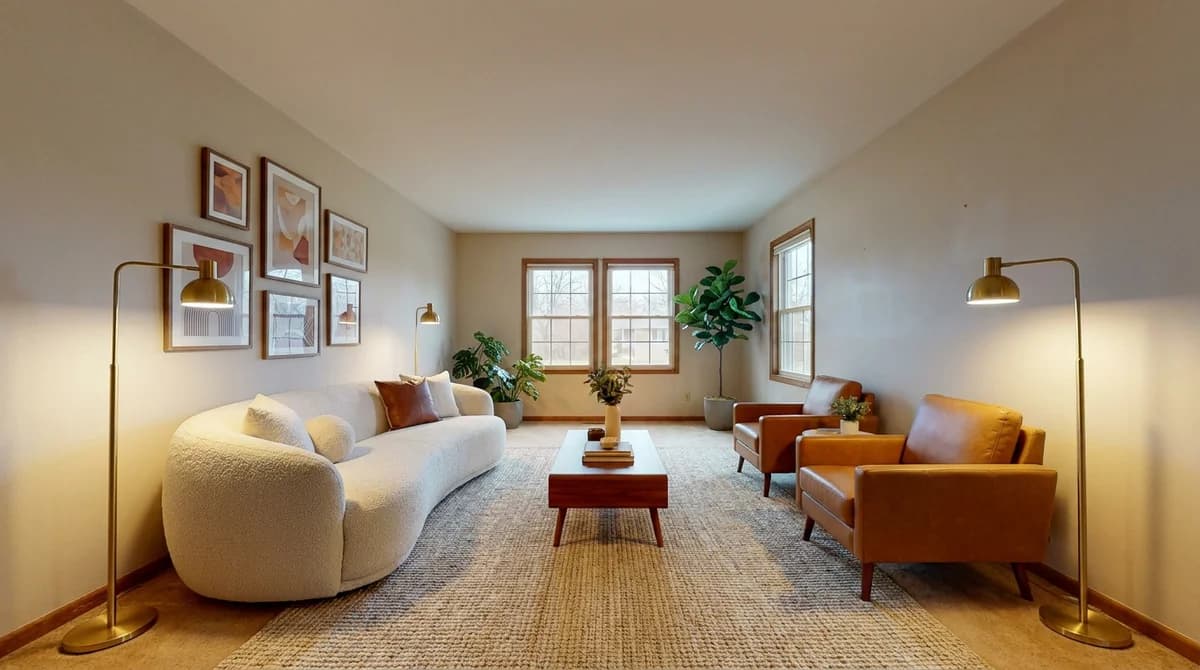
The numbers are why it has caught on so fast. For a hands-on tutorial, see how to use AI for interior design.
How AI Interior Design Works
The workflow is the same across most tools:
- Upload a photo of the room, ideally clear, well-lit, and shot straight-on.
- Choose a room type and style (or describe the look you want).
- Generate a photorealistic redesign in seconds.
- Iterate — try multiple styles on the same room at no extra cost.
- Download up to 4K for client decks, listings, or your portfolio.
The AI keeps the room's structure recognizable while reimagining the finishes and furnishings. Because you can generate many options instantly, it is as useful for exploring ideas as it is for producing a final concept.
What You Can Do With AI Interior Design
The same core technology powers several jobs:
- Redesign a room — reimagine an existing space in a new style.
- Virtual staging — furnish empty rooms for real estate listings. See the complete guide to virtual staging.
- Exterior and landscape — restyle facades, gardens, and patios.
- Concept and mood boards — generate options to align a client before sourcing.
AI Interior Design Styles
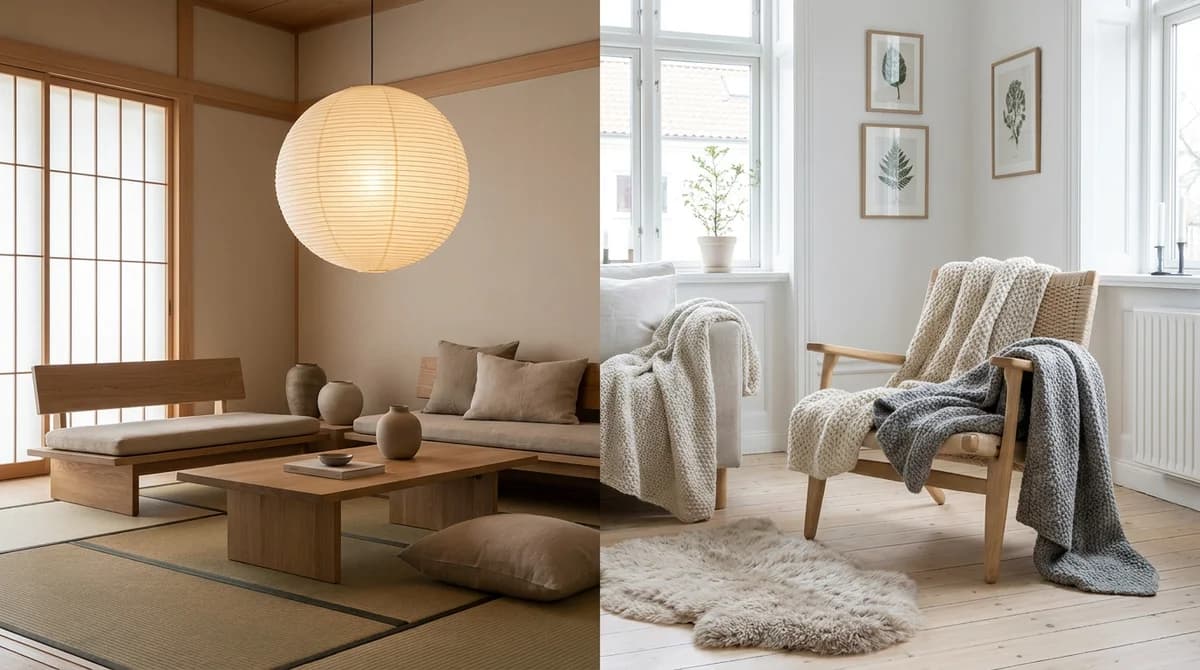
One of AI's biggest advantages is testing styles side by side. You can render the same room as Scandinavian, modern, or warm minimalist and compare in seconds instead of imagining it.
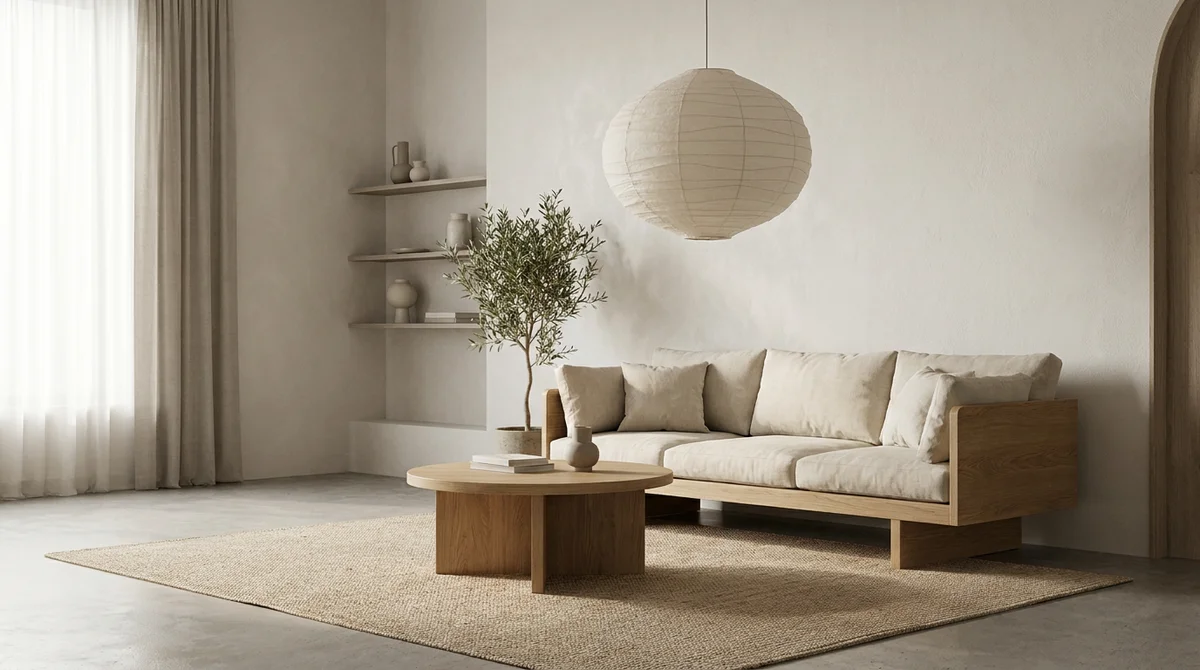
Start with the interior design styles guide, then go deep on individual looks like transitional, minimalist, or biophilic design.
AI Interior Design for Professionals
For designers, the value is speed-to-concept. Instead of spending days on renders, you can present photoreal options in the first client meeting, win the pitch, and take on more projects without working more hours.

This unlocks a few business moves we cover in depth:
- Present concepts that close: how to get interior design clients.
- Price your work for the value you deliver: how much should an interior designer charge.
- Offer remote design: what is e-design and online interior design services.
Garbage in, garbage out: the single biggest quality factor is your input photo. Shoot the room straight-on, in even daylight, with the whole space in frame for the most realistic results.
Best AI Interior Design Tools
Tools range from quick free apps to professional platforms with 4K output and real workflows. For a side-by-side comparison, see best AI interior design apps. The fastest way to judge quality, though, is to try one on your own room.
Redesign your first room free
Stage your first room in 20 seconds. No design skills needed.
Explore the Full AI Interior Design Guide
Use this pillar as your map and dive into any topic:
Homeowners can jump straight in with AI living room design.
Frequently Asked Questions
What is AI interior design?
AI interior design uses artificial intelligence to redesign or furnish a room from a single photo. You upload an image, choose a style, and get a photorealistic result in about 60 seconds. Homeowners use it to preview changes; designers use it to produce concepts and presentations in minutes.
How does AI interior design work?
Upload a photo, pick a room type and style, and the AI generates a redesigned, photorealistic version while keeping the room recognizable. It handles furniture, decor, lighting, and materials, and can produce several style options from one photo. No CAD or design skills needed.
How much does AI interior design cost?
Typically about $1-5 per image, with free renders to start on many tools. That is roughly 95% cheaper than a traditional 3D render ($200-500) and far faster.
Can AI replace an interior designer?
No. It removes the slow production work (renders, mood boards, revisions) but not a designer's taste, space planning, sourcing, or client relationships. Designers use it to work faster and take on more clients.
What styles can AI interior design do?
Most recognized styles, including Scandinavian, Japandi, modern, contemporary, minimalist, transitional, mid-century modern, industrial, coastal, and biophilic, with the ability to compare several on the same room instantly.
Ready to transform your listings?
Stage your first room in 20 seconds. No design skills needed.