The 7 Best Real Estate Photo Editing Software Tools (2026)
May 31, 2026 · 5 min read
The best real estate photo editing software compared for 2026. See what each tool does best for staging, enhancement, and retouching, plus pricing.
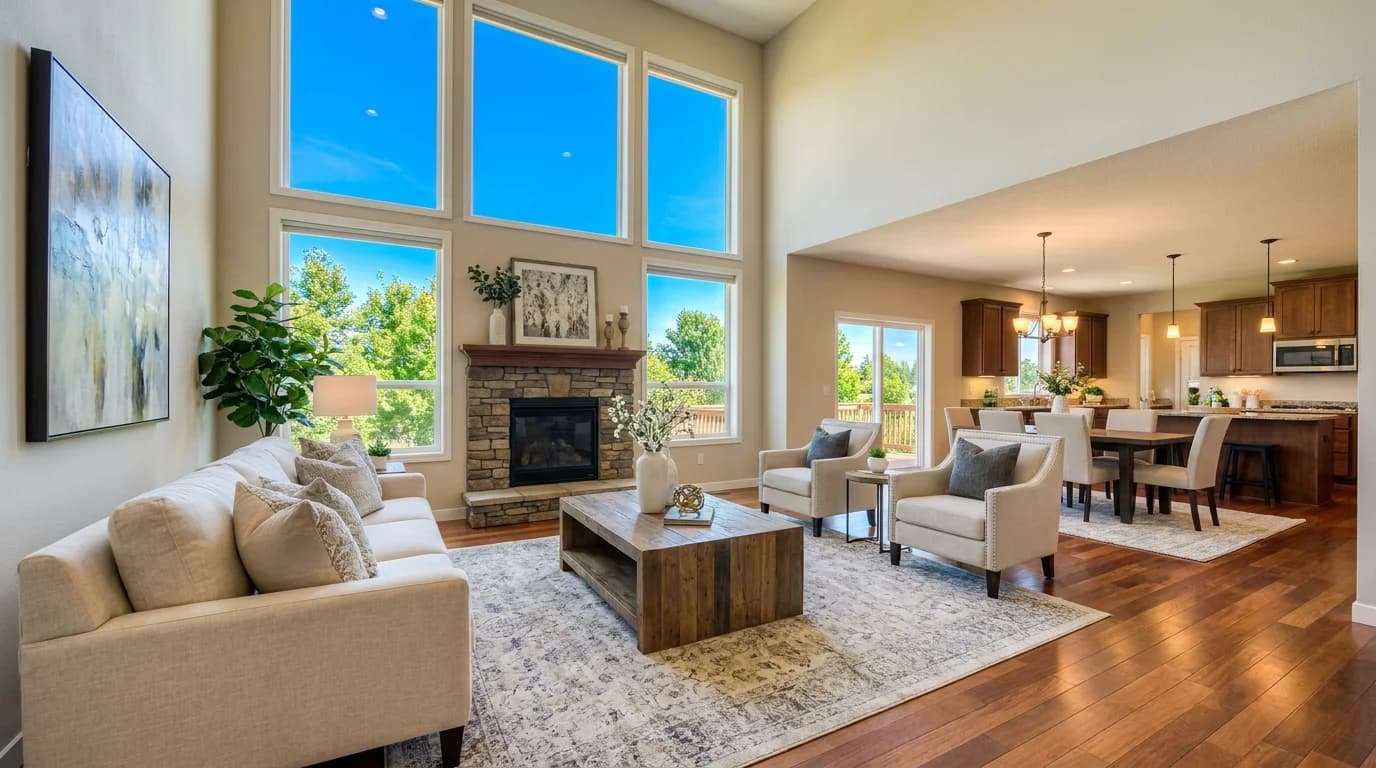
Listing photos are the first showing. Homes with professional, well-edited images sell faster and for more. Yet most agents are either paying $2–4 per photo to outsource editing or losing evenings to manual retouching. The right software closes that gap.
But "real estate photo editing" covers three different jobs: enhancement (exposure, color, perspective), virtual staging (adding furniture to empty rooms), and manual retouching (object removal, sky swaps, compositing). No single tool is best at all three, so this guide groups the seven best options by what they actually do well.
What to look for
- The job you need. Enhancement, staging, and retouching are different workflows. Match the tool to the task instead of forcing one app to do everything.
- Realism. Shadows, reflections, and lighting must look natural. Buyers and MLS compliance teams both notice fake-looking edits.
- Speed at volume. A 30-photo shoot edited one image at a time is a lost evening. Look for batch processing or sub-minute AI editing.
- Resolution. MLS platforms want at least 2000px on the long edge. Free tools often cap output below that.
- Commercial licensing. Listing use is commercial use. Confirm the license covers it.
1. RoomLift — best for AI virtual staging and instant enhancement
RoomLift turns a single room photo into a staged, brightened, photorealistic image in 10–20 seconds: no editing skills, no CAD, no outsourcing. Upload a photo of an empty or dated room, pick from 7+ design styles, and get a listing-ready result up to 4K. It's the fastest way to make a vacant space feel like a home and to lift dull, underexposed interiors.
Where it shines is virtual staging and enhancement, not manual retouching. There's no layer-based object removal here. For agents who mostly need empty rooms staged and photos to look bright and inviting, it replaces both an outsourced staging service and a Lightroom session.
- Best for: Virtual staging, instant interior enhancement
- Speed: 10–20 seconds per render
- Pricing: 5 free renders, then €29–€59 per project
- Skill required: None
2. Adobe Lightroom — best for manual enhancement and batch color
Lightroom is the professional standard for exposure, white balance, lens correction, and consistent color across a shoot. Sync settings to one photo, copy them across the batch, and export MLS-ready files. It's the backbone of most real estate photographers' workflows.
- Best for: Manual enhancement, batch consistency
- Pricing: ~€12/month (Photography plan)
- Skill required: Moderate
3. Adobe Photoshop — best for retouching and compositing
When you need to remove a parked car, swap a grey sky for blue, composite a fire in the fireplace, or clean up clutter, Photoshop is the best tool for the job. It's capable but slow and skill-intensive: overkill for routine enhancement, essential for problem photos.
- Best for: Object removal, sky replacement, compositing
- Pricing: ~€24/month (or included in Photography plan)
- Skill required: High
4. Imagen AI — best for high-volume automated editing
Imagen learns a photographer's editing style and applies it across hundreds of photos in minutes. For teams shooting many listings a week, it removes the per-photo editing bottleneck entirely while keeping a consistent look.
- Best for: Batch auto-editing at scale
- Pricing: ~$0.05 per photo
- Skill required: Low
5. BoxBrownie — best for outsourced editing and staging
BoxBrownie is a done-for-you service: send photos, get back edited or virtually staged images within ~24–48 hours. Useful when you'd rather not touch software at all, at the cost of turnaround time and per-image fees.
- Best for: Hands-off, outsourced editing and staging
- Pricing: ~€1.60 per edit, more for staging
- Skill required: None (it's a service)
6. PhotoUp — best for teams with steady volume
PhotoUp pairs an editing marketplace with virtual staging and a team workflow layer (folders, branding, reviewers). It suits brokerages and photographers outsourcing a steady pipeline who need order management.
- Best for: Outsourced editing with team workflow
- Pricing: Per-image, volume-based
- Skill required: None (it's a service)
7. Luminar Neo — best budget AI desktop editor
Luminar Neo brings AI sky replacement, relighting, and one-click enhancement to a one-time-purchase desktop app. A solid middle ground for agents who want more automation than Lightroom without a subscription.
- Best for: Affordable AI desktop editing
- Pricing: ~€10/month or one-time license
- Skill required: Low–moderate
How to choose
Pick by the job in front of you:
- Empty rooms to stage, or dull photos to brighten? Start with RoomLift: it's the fastest path to a listing-ready image and the only one here that stages.
- A full shoot to color-correct? Lightroom (manual) or Imagen AI (automated at volume).
- Problem photos: clutter, bad skies, parked cars? Photoshop.
- Don't want to touch software? Outsource to BoxBrownie or PhotoUp.
Most successful agents use two: an AI tool for staging and enhancement, plus Lightroom or Photoshop (or an outsourced service) for the edits AI can't do. Combining instant AI staging with traditional editing covers nearly every listing photo you'll ever shoot.
The bottom line
There's no single "best real estate photo editing software." There's the best tool for each job. If you only adopt one new tool this year, make it an AI option like RoomLift: virtual staging and enhancement are where the biggest time and money savings hide, and they're the edits that most directly help a listing sell.
Ready to transform your listings?
Stage your first room in 20 seconds. No design skills needed.