Interior Design Rendering Software: AI vs Traditional Tools Compared
Feb 12, 2026 · 5 min read
Compare the best interior design rendering software in 2026. See how AI-powered tools stack up against traditional 3D rendering for speed, cost, and quality.
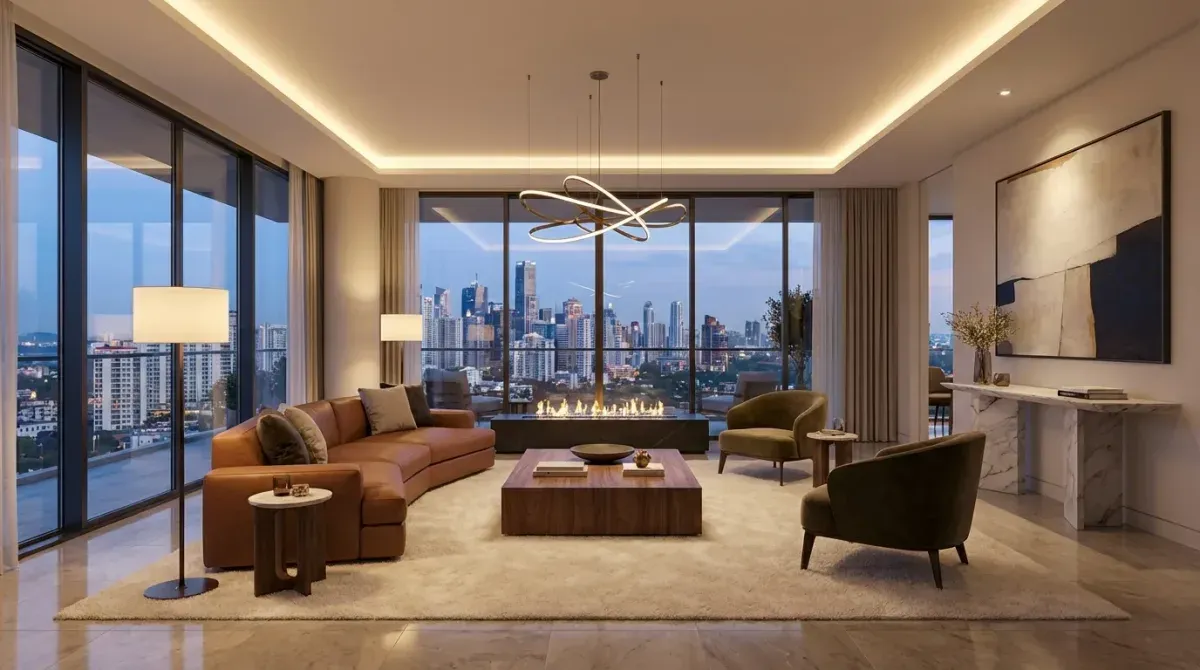
Interior design rendering has evolved dramatically. What once required expensive 3D modeling software, specialized skills, and hours of render time can now be accomplished with AI in under a minute. But which approach is right for your workflow?
This guide compares the best interior design rendering software available in 2026, including both AI-powered and traditional 3D tools.
What Is Interior Design Rendering?
Interior design rendering is the process of creating photorealistic visualizations of interior spaces. These renders help designers communicate their vision to clients, win project approvals, and guide construction teams.
Rendering software falls into two categories:
- Traditional 3D rendering, build a 3D model, apply materials and lighting, then render the scene
- AI-powered rendering, upload a photo and let AI generate a redesigned version

Traditional 3D Rendering Software
How It Works
Traditional rendering requires building a detailed 3D model of the space, selecting materials and textures, setting up lighting, and then computing (rendering) the final image. This process produces the highest fidelity results but demands significant time and skill.
Popular Tools
- SketchUp + V-Ray, widely used by interior designers for its intuitive modeling and professional rendering
- 3ds Max, industry standard for architectural visualization
- Blender, free and open-source with production-quality rendering capabilities
- Lumion, real-time rendering with a large asset library
- Enscape, real-time rendering plugin for SketchUp, Revit, and Rhino
Pros and Cons
Pros:
- Maximum creative control over every element
- Highest possible fidelity for final presentations
- Can visualize spaces that don't exist yet (new construction)
- Precise measurement and spatial accuracy
Cons:
- Steep learning curve (weeks to months)
- Time-intensive (hours to days per render)
- Expensive software licenses ($200-2,000/year)
- Requires powerful hardware
AI-Powered Rendering Software
How It Works
AI rendering tools take a different approach entirely. Instead of building a 3D model, you upload a photograph of an existing space. The AI analyzes the room structure and generates a photorealistic redesign based on your chosen style and preferences.
Popular Tools
- RoomLift, professional-grade AI rendering with 4K output, multiple design styles, and real estate workflow features
- RoomGPT, open-source AI room design tool
- Interior AI, AI-powered interior design rendering
- Collov AI, AI interior design and staging
Pros and Cons
Pros:
- Instant results (under 60 seconds)
- No technical skills required
- Extremely affordable ($1-5 per render)
- Multiple style iterations at no extra cost
- Works on any device
Cons:
- Less precise control over individual elements
- Works best with existing spaces (requires a photo)
- Quality depends on input photo quality
- Cannot create visualizations of unbuilt spaces from floor plans alone
AI vs Traditional: When to Use Each
| Criteria | AI Rendering | Traditional 3D |
|---|---|---|
| Speed | Under 60 seconds | Hours to days |
| Cost per render | $1-5 | $50-500 |
| Learning curve | None | Weeks to months |
| Best for | Redesigns, staging, quick concepts | New builds, precise specifications |
| Client presentations | Quick iterations | Final deliverables |
| Quality ceiling | Professional (up to 4K) | Unlimited |
Use AI Rendering When:
- You need quick concepts for client presentations
- You are staging real estate photos
- You want to show multiple style options rapidly
- Budget is a constraint
- The project involves redesigning an existing space
Use Traditional Rendering When:
- You need pixel-perfect control over every element
- The project is new construction with no existing photos
- You need precise measurements and specifications in the render
- The final render is for high-end marketing materials
- You have the time and budget for maximum fidelity
The Best of Both Worlds
Many designers are adopting a hybrid workflow:
- Use AI for early-stage concepts, quickly generate multiple design directions to align with the client
- Use traditional rendering for final deliverables, once the direction is confirmed, create polished 3D renders for the final presentation
This approach saves significant time in the ideation phase while maintaining the precision needed for final specifications.
Generate your first AI render in 20 seconds — no design skills needed
Stage your first room in 20 seconds. No design skills needed.
Getting Started with AI Rendering
RoomLift makes interior design rendering accessible to designers of all skill levels:
- Upload a photo of the space
- Select the room type and design style
- Generate a photorealistic render in seconds
- Iterate with different styles as needed
- Export in up to 4K resolution
No software installation, no 3D modeling skills, no expensive hardware. Professional interior design rendering is now available to anyone with a camera and an internet connection.
Sources & References
- American Society of Interior Designers (2024). Interior Design Outlook and State of the Industry. ASID Research.
- Houzz (2024). Houzz Home Study: Emerging Design Trends. Houzz Research.
Ready to transform your listings?
Stage your first room in 20 seconds. No design skills needed.