Best AI Rendering Software for Architects in 2026
May 30, 2026 · 9 min read
We compared the best AI rendering software for architects in 2026 — by input type, CAD integration, speed, and cost — so you can pick the right tool fast.
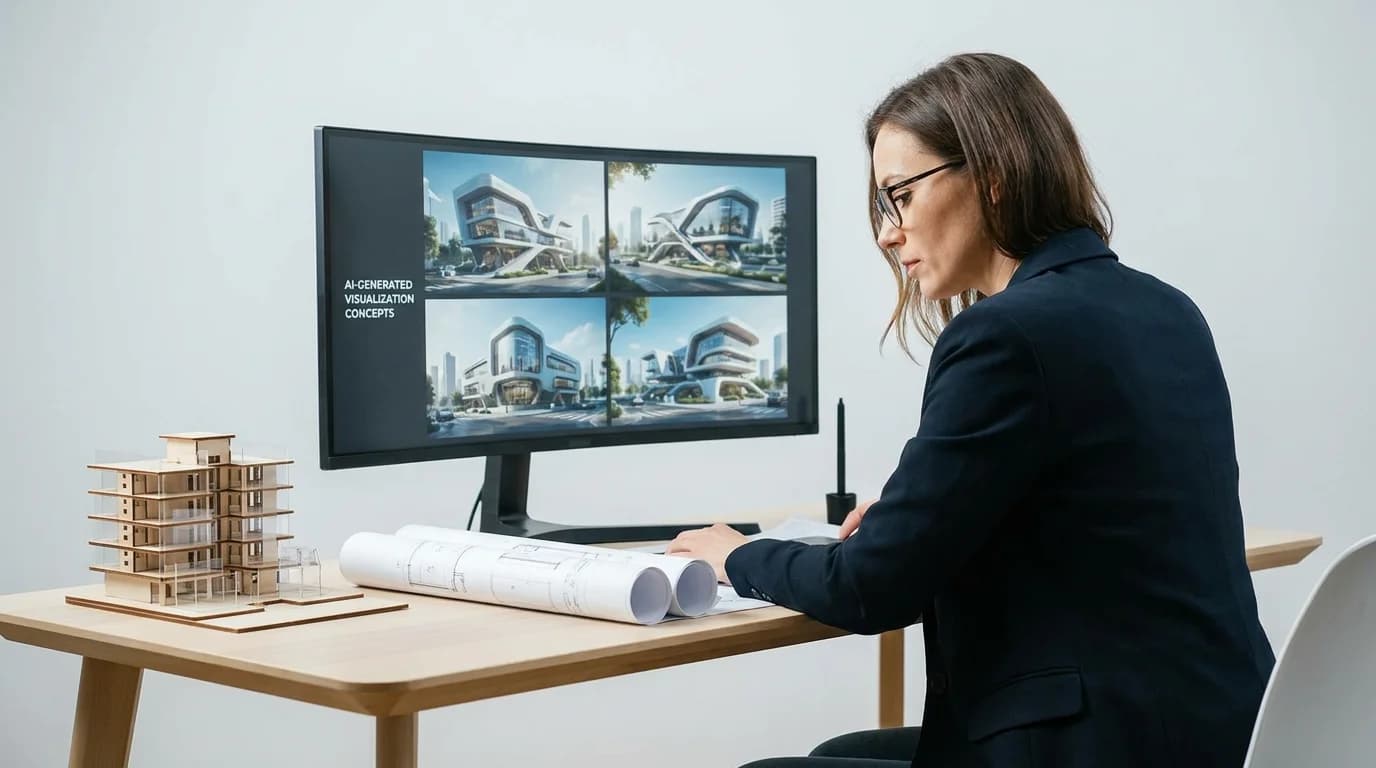
A client asks for three facade directions before the planning meeting on Friday. The old answer was: brief your visualization studio, wait two weeks, and spend €1,500 on images the client might reject in the first five minutes.
The 2026 answer is faster, cheaper, and sometimes good enough to win the room on its own. The best AI rendering software for architects now turns models, sketches, and photographs into photorealistic visuals in seconds. The catch is that "AI rendering for architects" is not one category. The tools differ wildly in what they take as input and what they protect about your design.
This guide compares the leading options, grouped by the thing that actually matters: what you feed it.
The Three Types of AI Rendering Tools
Before comparing products, understand the three families. Choosing the wrong family is the most common and most expensive mistake.
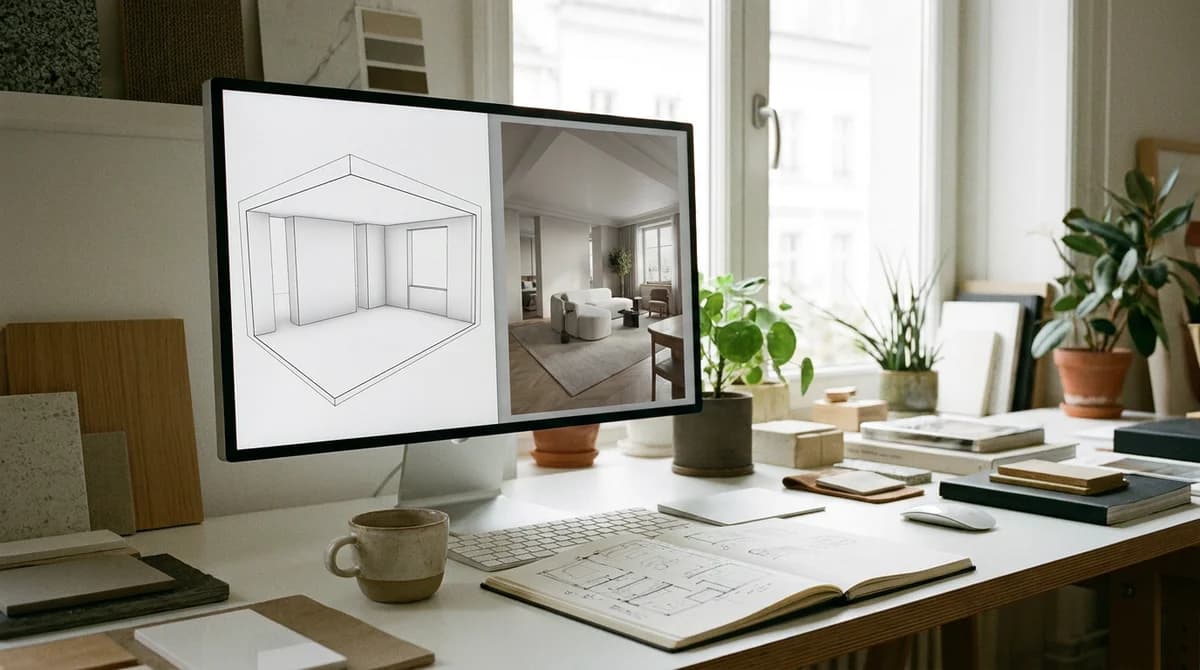
1. Model-based plugins. These read your existing 3D geometry from Rhino, Revit, or SketchUp. Your design stays exact; the AI handles materials, light, and atmosphere. Best when geometry is locked and accuracy is non-negotiable.
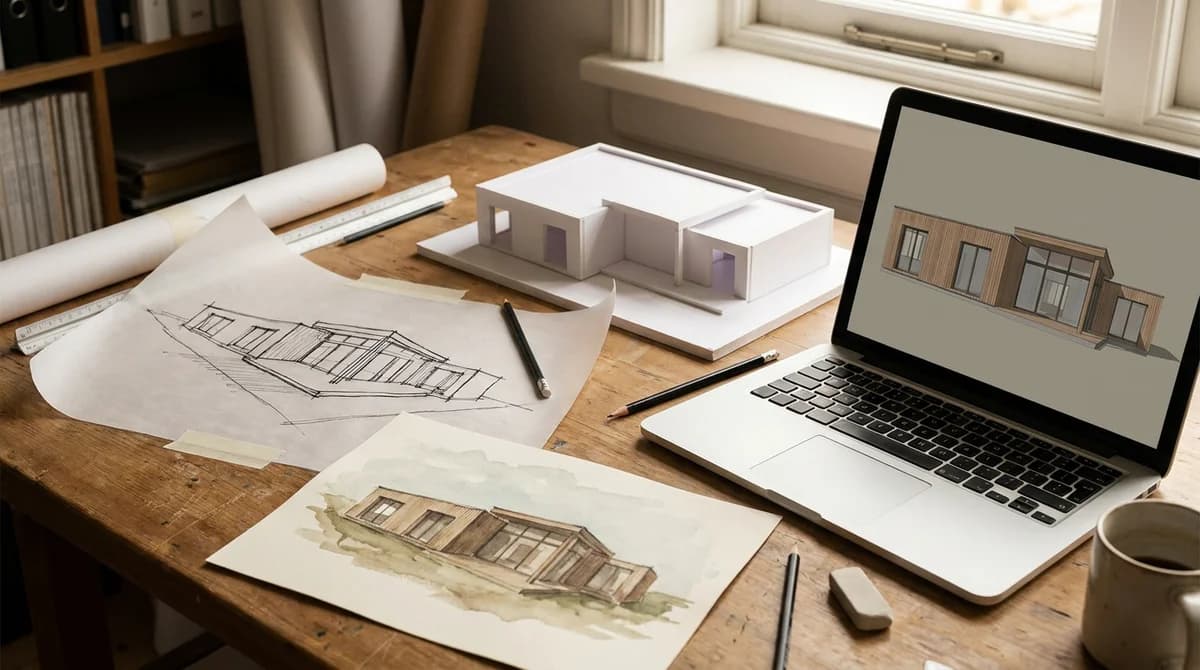
2. Sketch and CAD interpreters. These take a line drawing, a hand sketch, or a flat CAD screenshot and infer a render from it. Best for very early concept work where you have drawings but no model.
3. Photo-based transformers. These take photographs — site photos, existing buildings, physical study models, or finished renders you want to restyle — and generate photorealistic variations. Best for early concept restyling, exterior and curb-appeal studies, interior atmosphere, and fast client presentations.
The rest of this guide is organized so you can find the right tool in your family quickly.
1. Veras — Best Plugin for Model-Based Rendering
Price: From $35/month | Input: Rhino, Revit, SketchUp, Forma geometry | Speed: Seconds
Veras renders directly from your 3D model inside the software you already use. Because it reads real geometry, it preserves your design exactly while generating material, lighting, and context from a text prompt. For architects who live in Revit or Rhino, this is the lowest-friction way to get fast concept renders without exporting anything.
The tradeoff is that you need a model first. Veras is a rendering layer, not a from-scratch concept tool.
Best for: Firms with an established BIM or 3D workflow who want speed without leaving their modeling software.
2. D5 Render — Best Real-Time Engine With AI Built In
Price: Free tier; Pro from $38/month | Input: 3D models (SketchUp, Rhino, Revit, 3ds Max, Blender) | Speed: Real-time
D5 Render is a real-time rendering engine that has folded AI features — atmosphere generation, smart material matching, AI texture tools — into a traditional GPU renderer. You get the control of a real engine plus AI acceleration. The output quality for both interiors and exteriors is excellent.
The barrier is the same as any real-time engine: you need a capable GPU and a modeled scene. This is a serious visualization tool, not a quick-concept generator.
Best for: Visualization-heavy practices that want render control plus AI speed-ups.
3. SketchUp Diffusion — Best Native Option for SketchUp Users
Price: Included with SketchUp subscription | Input: SketchUp viewport | Speed: Seconds
SketchUp Diffusion is AI rendering built natively into SketchUp. You prompt from inside the viewport and get styled renders from your model with a set of presets. For the large population of architects who already model in SketchUp, it is the most convenient possible option because there is nothing new to install or learn.
It is less flexible than dedicated tools and tied to the SketchUp ecosystem, but for quick in-context concepts it is hard to beat on convenience.
Best for: SketchUp users who want rendering without adding another tool.
4. ArchiVinci — Best Sketch-to-Render Tool
Price: From $16/month | Input: Sketches, CAD screenshots, photos | Speed: Seconds
ArchiVinci is purpose-built to turn architectural line work — hand sketches, CAD exports, massing diagrams — into rendered images while respecting the linework's structure. If you start from drawings rather than models, this is the family you want, and ArchiVinci is one of the more controllable options in it.
Expect to iterate on prompts to keep outputs faithful to the original geometry; sketch interpretation is inherently looser than model-based rendering.
Best for: Early concept work where you have drawings but no 3D model.
5. MyArchitectAI — Best for Fast Exterior Concepts From Sketches
Price: From $19/month | Input: Sketches, SketchUp/CAD screenshots, building photos | Speed: Under 10 seconds
MyArchitectAI takes a sketch, model screenshot, or building photo and returns a photorealistic exterior in seconds. It is aimed squarely at speed for exterior concept exploration and is approachable for architects who do not want a learning curve.
Like all sketch interpreters, it trades precision for speed. Use it to explore direction, not to finalize details.
Best for: Rapid exterior concept exploration from rough inputs.
6. Midjourney — Highest Creative Ceiling, Lowest Control
Price: From $10/month | Input: Text prompts and reference images | Speed: Under a minute
Midjourney is not architecture software. It is a general image generator that, with skilled prompting, produces breathtaking architectural imagery for mood, competition narrative, and early ideation. It has no BIM or CAD integration and no way to feed it your Revit model, so it cannot protect your geometry.
Architects use it for inspiration and atmosphere, then move to a model-based or photo-based tool once a direction is agreed.
Best for: Mood-boarding, competition imagery, and creative exploration.
7. RoomLift — Best for Photo-Based Concepts and Client Presentations
Price: From $29/month | Input: Photographs (JPG, PNG, HEIC) | Speed: 10–20 seconds | Quality: Up to 4K
RoomLift sits in the photo-based family. It does not read CAD or 3D models — it transforms photographs and rendered images. For architects, that makes it the fastest path from a real photo to a polished concept or presentation visual:
- Exterior mode restyles building facades, materials, roofs, and landscaping from a site or building photo — useful for curb appeal studies, renovation concepts, and "what if we changed the cladding" conversations.
- Interior mode restyles spaces across design directions in seconds, ideal for presenting atmosphere and finish options to clients.
- Day-to-dusk, twilight, and sky-replacement presets turn a flat midday site photo into a cinematic presentation image.
- Up to 4K output is sharp enough for boards and printed presentations, and you can generate a short video from any render for marketing.
The honest limitation: RoomLift will not render your unbuilt design from a model or a line sketch. If your starting point is geometry, use a model-based tool above. If your starting point is a photograph — of a site, an existing building, a study model, or a render you want to restyle — RoomLift is the fastest tool here and the cheapest way to produce presentation-grade variety.
Best for: Photo-based concept restyling, exterior and renovation studies, interior atmosphere, and fast client-presentation visuals.
Turn a site or building photo into a 4K presentation render in 20 seconds — try RoomLift free
Stage your first room in 20 seconds. No design skills needed.
Comparison Table: AI Rendering Software for Architects
| Tool | Input | CAD/Model Integration | Speed | From (monthly) | Best For |
|---|---|---|---|---|---|
| Veras | 3D model | Yes (Rhino, Revit, SketchUp) | Seconds | $35 | Model-based rendering in your CAD |
| D5 Render | 3D model | Yes (multiple) | Real-time | $38 | Render control + AI speed |
| SketchUp Diffusion | SketchUp viewport | Native to SketchUp | Seconds | Bundled | Convenience for SketchUp users |
| ArchiVinci | Sketch / CAD / photo | Screenshot-based | Seconds | $16 | Sketch-to-render |
| MyArchitectAI | Sketch / photo | Screenshot-based | <10 sec | $19 | Fast exterior concepts |
| Midjourney | Text / image | None | <1 min | $10 | Mood and creative exploration |
| RoomLift | Photograph | No (photo-based) | 10–20 sec | $29 | Photo concepts, presentations, exteriors |
How to Choose Based on Your Workflow
You model everything in Revit or Rhino. Start with Veras or D5 Render. Your geometry is your asset; keep it exact and let AI handle materials and light.
You sketch first and model later. ArchiVinci or MyArchitectAI will get you from line work to a render before you commit to modeling.
You present to clients from photos and need speed. RoomLift is the fastest path from a real photo to a presentation-ready render, and the strongest at exterior and interior restyling for approval rounds. Pair it with a model-based tool for technical stages.
You want imagery, not accuracy. Midjourney has the highest creative ceiling for competition and narrative work.
The Economics of AI Rendering
Say a project needs 15 visuals and you outsource at €700 per image.
Traditional cost: €10,500 and a 2–4 week turnaround, with each revision re-billed.
AI cost: one month of a subscription, typically €15–€60, with revisions free and instant.
Even accounting for the time you spend prompting and curating outputs, the saving is in the range of 90–99% on render spend, and the turnaround collapses from weeks to an afternoon. The budget you free up tends to move into more design exploration, better physical mock-ups, or marketing.
The Practical Takeaway
There is no single best AI rendering tool for architects — there is a best tool for your input. Decide whether you start from a model, a sketch, or a photo, then pick from that family. Many practices run two tools: a model-based renderer for accuracy and a fast photo-based tool like RoomLift for the early concept and client-presentation work where speed wins the project.
Test photo-based concept rendering on your own project photos — start your RoomLift free trial
Stage your first room in 20 seconds. No design skills needed.
Sources & References
- Chaos (2026). Best AI rendering tools for architects compared. Chaos Blog.
- ArchDaily (2025). How AI-Powered Rendering Crushes Bottlenecks in Architecture and Interior Design. ArchDaily.
- Visoid (2025). AI vs Traditional Architectural Rendering: What's the Difference?. Visoid Blog.
Ready to transform your listings?
Stage your first room in 20 seconds. No design skills needed.