RoomLift Logo

AI Basement Design & Finishing

From unfinished to unforgettable in under 60 seconds

Transform unfinished or outdated basements into beautiful living spaces. Visualize home theaters, playrooms, home gyms, or guest suites before construction begins. Whether you're a homeowner unlocking unused square footage, a contractor presenting finish options, or a real estate agent staging a lower level -- get professional basement visualizations instantly.

Photorealistic output7+ design stylesUnder 60 secondsUp to 4K resolution
Design your basement now

10 Free Renders. Takes 2 min.

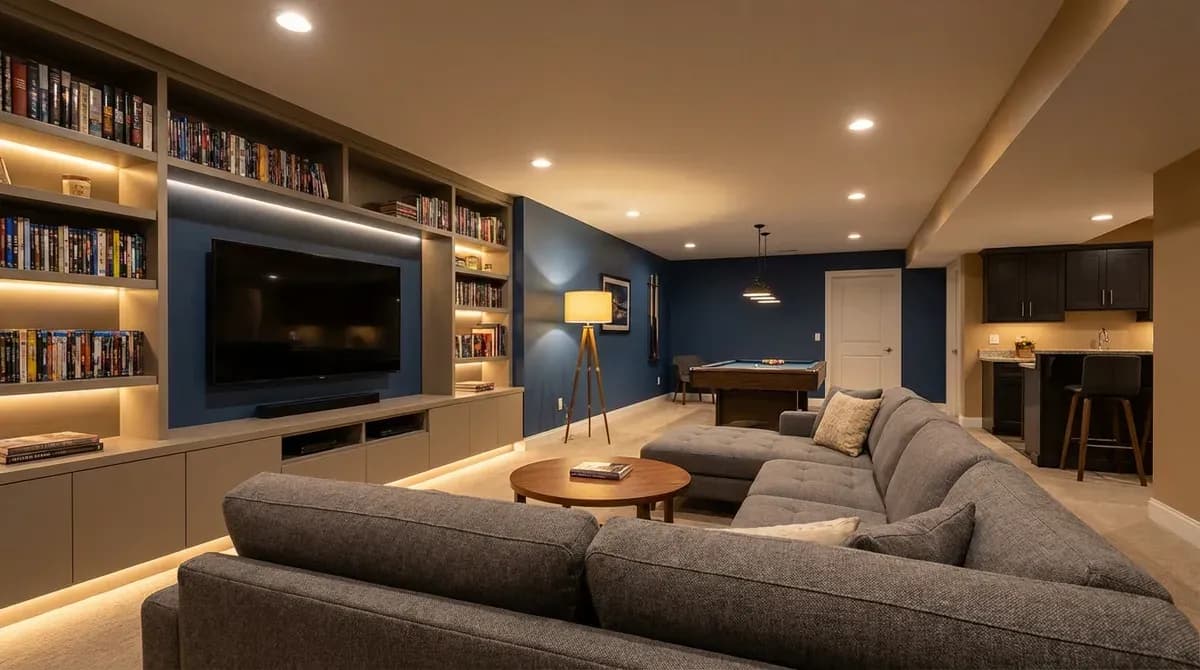
AI-designed finished basement with modern furniture and warm lighting

60s

Average render time

95%

Cost savings vs 3D renders

7+

Design styles

4K

Max resolution

How It Works

Three simple steps to transform any space

Step 1

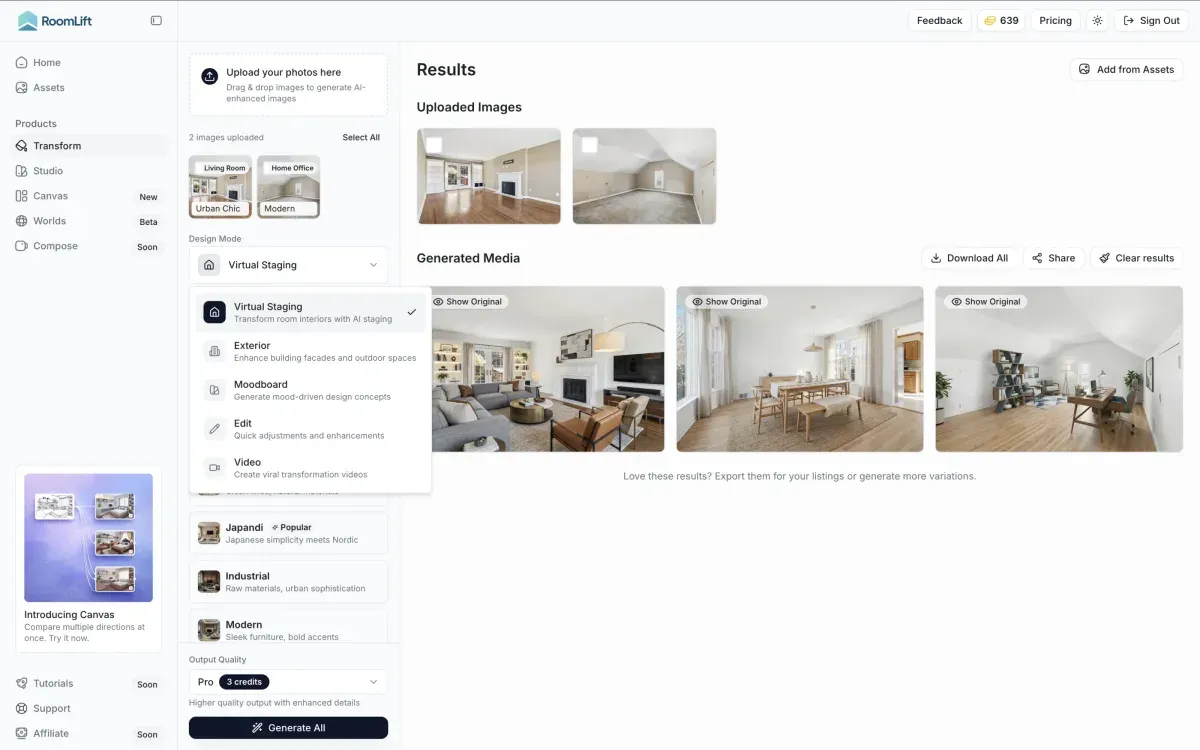
Upload your photo

Snap or upload a photo of any room or space

Step 2

Choose a style

Select from 7+ design styles and room types

Step 3

Download your render

Get photorealistic results in under 60 seconds

See the Transformation

Real results generated by RoomLift AI

Before and after AI basement design transformation

Why Professionals Choose RoomLift

Multi-Purpose Layout Planning

Explore different uses for the same space -- home theater, playroom, office, gym, or guest suite -- and compare layouts side by side before committing.

Home Theater Visualization

See how a dedicated media room would look with sectional seating, accent lighting, and acoustic paneling. Test dark moody palettes or bright modern setups.

Bar & Entertainment Areas

Visualize wet bars, game rooms, and lounge areas with different finishes, countertop materials, and seating arrangements.

Home Gym Design

Plan a basement gym layout with mirrored walls, rubber flooring, and equipment zones. See how different flooring and lighting choices affect the feel.

Guest Suite Staging

Stage a lower-level bedroom and bathroom for real estate listings or plan a comfortable in-law suite with AI-generated concepts.

Lighting for Low-Ceiling Spaces

AI accounts for typical basement constraints like low ceilings and limited natural light, suggesting recessed lighting, light color palettes, and mirrors to open the space.

Unlock the Hidden Potential of Your Basement

Basements represent some of the most underutilized square footage in any home. Whether it's an unfinished concrete shell or a dated recreation room from the 1990s, the lower level holds enormous potential -- but most homeowners struggle to see past exposed pipes and fluorescent lighting.

AI basement design changes that equation entirely. By uploading a single photo, you can see your basement transformed into a cozy home theater, a sleek home gym, an entertaining space with a wet bar, or a fully appointed guest suite. Instead of hiring an architect or 3D rendering firm, you get photorealistic concepts in under a minute.

For Homeowners & Contractors

Basement finishing is one of the highest-ROI home improvements, often returning 70-75% of the investment at resale. But committing $20,000-50,000 to a finish-out without seeing the result is daunting. AI visualization lets homeowners test layouts, materials, and color schemes on their actual space before a single wall goes up. Contractors can present finish packages to clients with photorealistic previews instead of relying on floor plans and material samples alone.

For Real Estate Agents

Unfinished basements photograph terribly -- bare concrete, exposed wiring, and dim lighting do nothing to inspire buyers. AI staging transforms those photos into aspirational living spaces that help buyers understand what the lower level could become. Listings that show staged basement photos consistently generate more interest than those showing raw, unfinished space.

Solving the Low-Ceiling Challenge

Standard basements often have ceilings under 8 feet, which limits furniture and lighting choices. AI design accounts for these constraints automatically, favoring low-profile furniture, recessed or flush-mount lighting, and light color palettes that make the space feel taller and more open. The result is a design that actually works in the real dimensions of your basement.

A complete creative suite

Everything you need to visualize, present, and sell — from first concept to final delivery.

Redesign any room in seconds

Upload a photo of any interior or exterior and transform it into a completely new style. Choose from 7+ design presets or transfer your own reference image.

  • Interior and exterior support
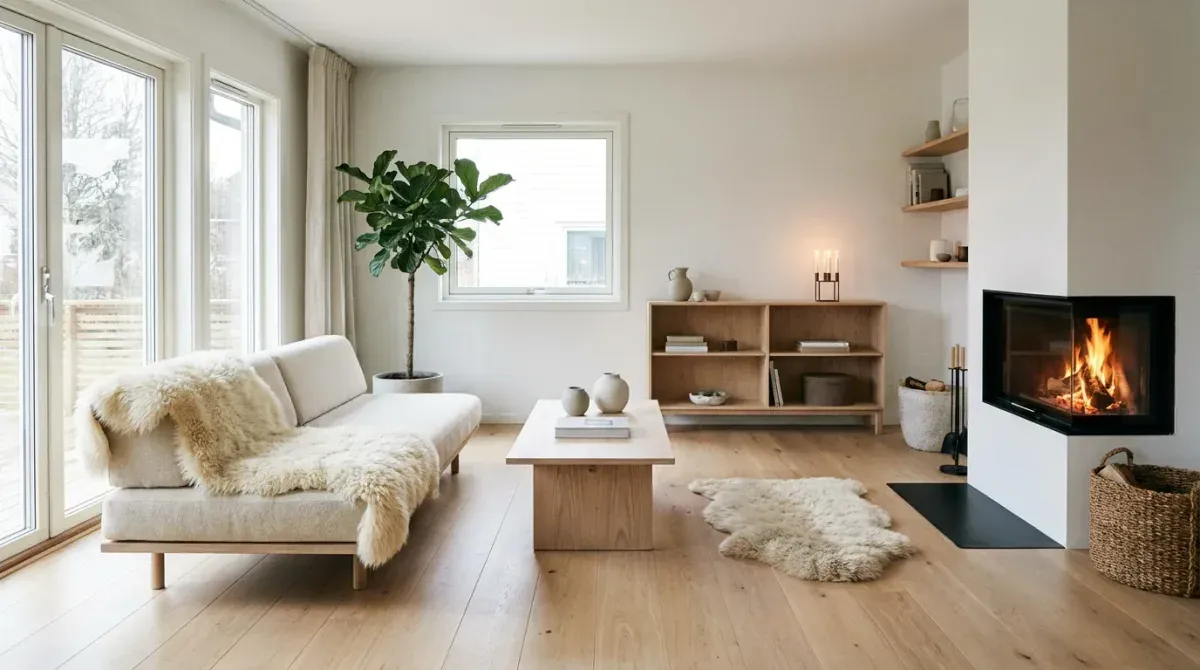
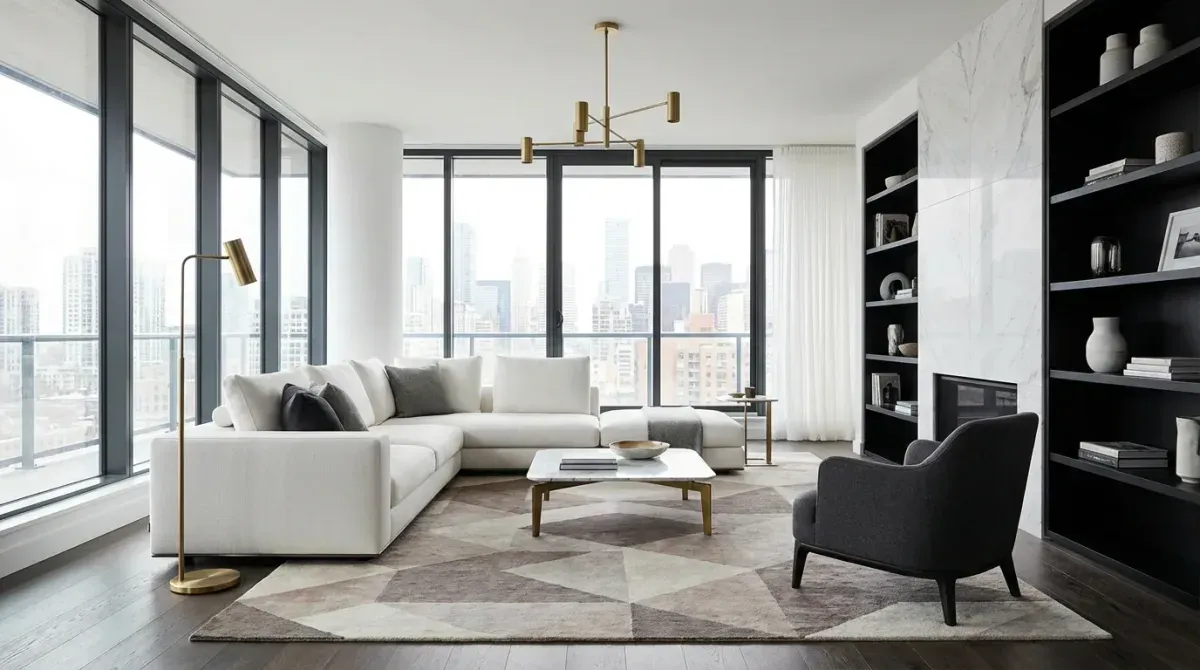
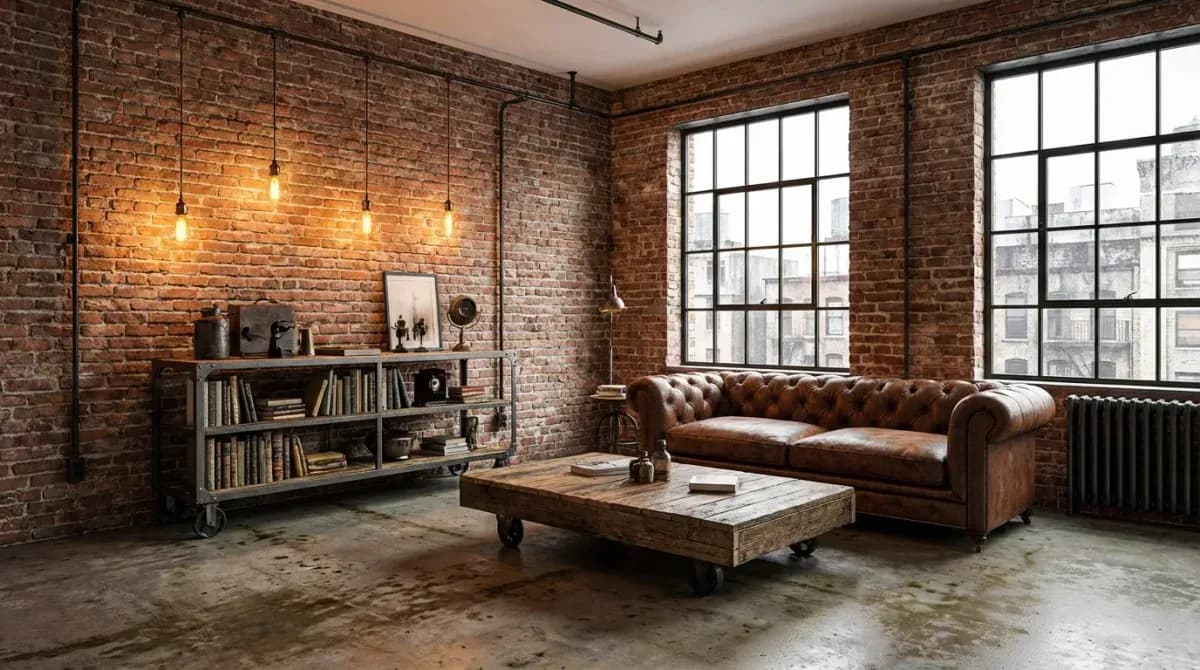
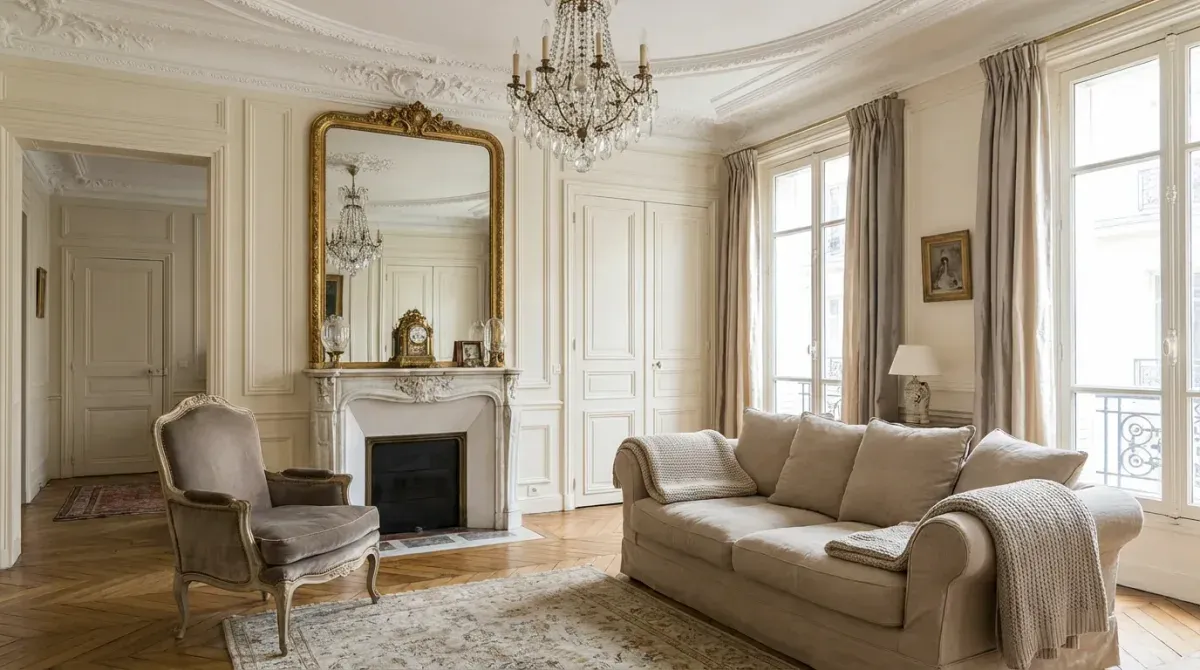
  • 7+ styles: Scandi, Japandi, Modern, Industrial, and more
  • Up to 4K resolution export
  • Multiple variations per generation
  • Custom style transfer from reference images
AI room transformation showing style change

Frequently Asked Questions

Everything you need to know about RoomLift — for designers, agents, and anyone transforming spaces with AI.

Can AI design my basement?
Yes. Upload a photo of your basement -- finished or unfinished -- and AI will generate photorealistic visualizations showing how it could look with different styles, furniture, and finishes.
What basement styles are available?
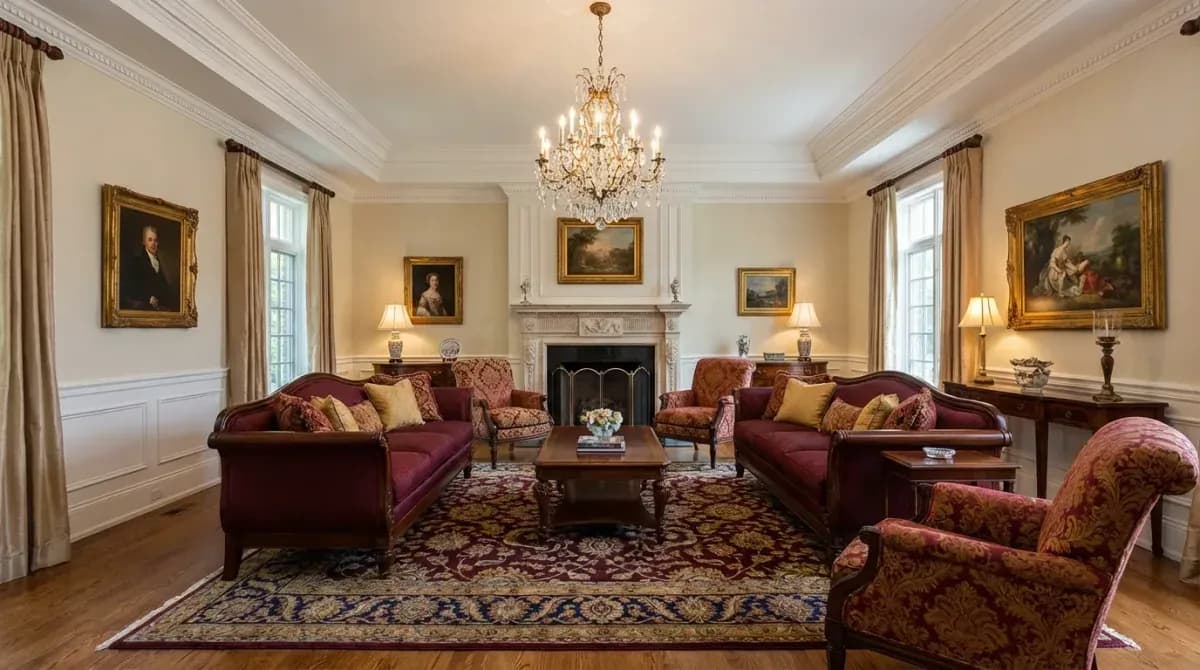
RoomLift supports Modern, Scandinavian, Industrial, Traditional, Japandi, Boho, and French styles. Each adapts to basement-specific elements like exposed ductwork, concrete floors, and low ceilings.
How does AI handle low ceilings?
The AI analyzes spatial proportions and avoids tall furniture or hanging fixtures that would feel cramped. It favors low-profile seating, recessed lighting, and vertical design elements that draw the eye upward.
Can I visualize an unfinished basement?
Absolutely. Upload a photo of bare concrete walls and exposed framing, and AI will show you what the finished space could look like with drywall, flooring, lighting, and furnishings.
How long does a basement render take?
Most renders complete in under 60 seconds. You can generate multiple style variations back-to-back to compare options quickly.
Can I use basement renders for real estate listings?
Yes. AI-staged basement photos help buyers see the potential of unfinished lower levels. Most MLSs require disclosure that images have been digitally enhanced.
Start designing for free

No credit card required. 10 free renders included.