What Is Virtual Staging? A Complete Guide for Real Estate
Feb 11, 2026 · 5 min read
Virtual staging uses AI to add furniture and decor to empty property photos. Learn how it works, what it costs, and why 73% of staged homes sell faster.
If you have ever listed an empty property and struggled to generate buyer interest, virtual staging might be the solution. This guide explains what virtual staging is, how it works, and why it has become an essential tool for real estate professionals.
What Is Virtual Staging?
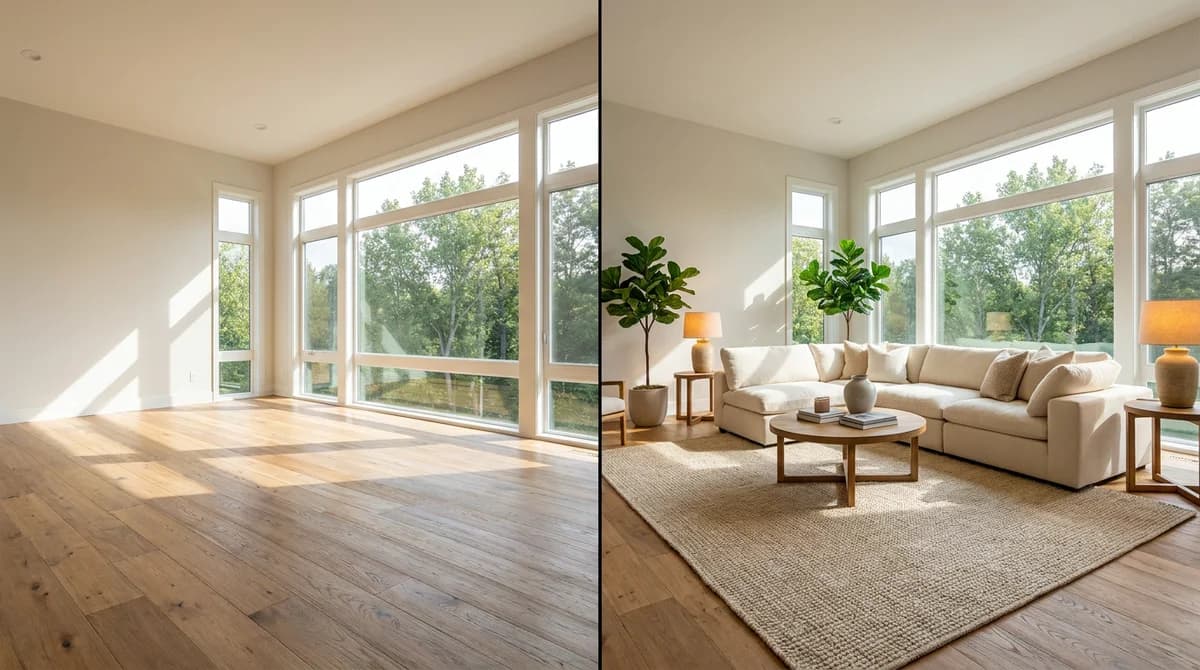
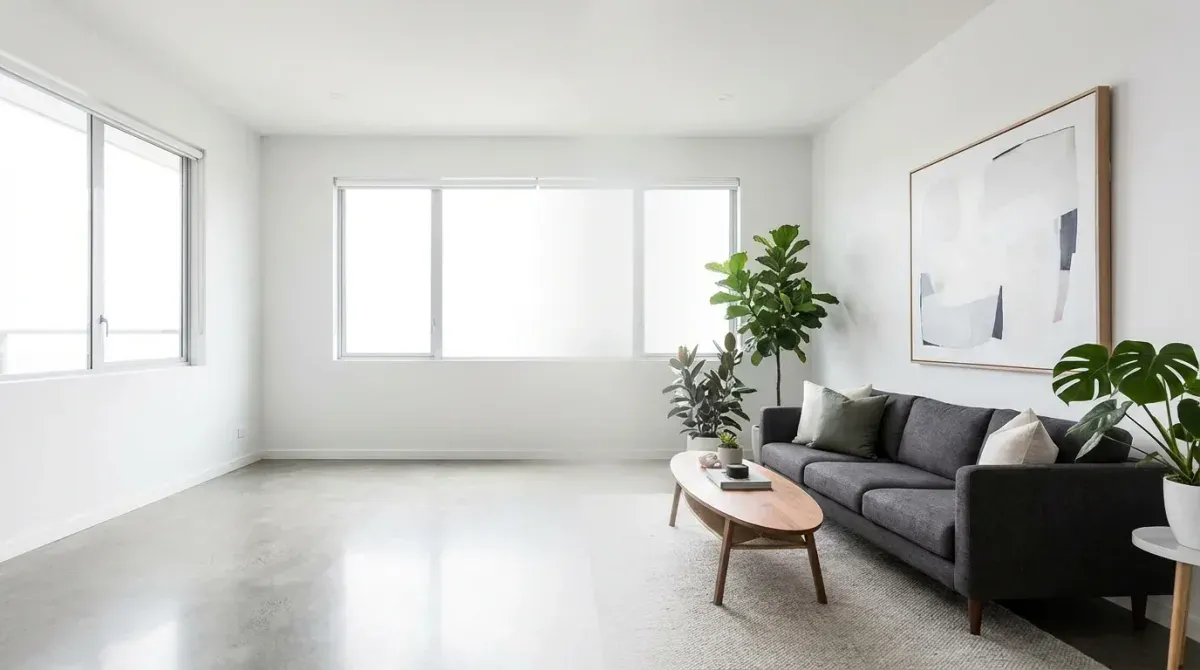
Virtual staging is the process of digitally adding furniture, decor, and accessories to photos of empty or unfurnished rooms. The goal is to help potential buyers visualize how a space could look when furnished, without the cost and logistics of physical staging.
Modern virtual staging uses AI to produce results that are virtually indistinguishable from photos of physically staged homes. The technology has matured significantly, today's AI-staged photos look photorealistic, with proper lighting, shadows, and spatial relationships.

How Does Virtual Staging Work?
The process is straightforward:
- Photograph the empty room, take clear, well-lit photos of each room you want to stage
- Upload to a virtual staging tool, services like RoomLift accept standard photo uploads
- Select a design style, choose the aesthetic that matches the property and target buyer
- Generate, AI produces a photorealistic staged version in seconds to minutes
- Download and use, add the staged photos to your listing
The AI handles everything: furniture selection, placement, scale, lighting, and shadow generation. No design skills are required.
Virtual Staging vs Physical Staging
| Factor | Virtual Staging | Physical Staging |
|---|---|---|
| Cost per room | $5-75 | $500-3,000 |
| Turnaround | Minutes to hours | Days to weeks |
| Style changes | Instant, multiple at no extra cost | Expensive and time-consuming |
| Quality | Photorealistic | Real (but limited by available inventory) |
| Logistics | None | Delivery, setup, removal, storage |
| Duration | Permanent (digital files) | Monthly rental fees |
Why Virtual Staging Works
The statistics speak for themselves:
- 73% of staged homes sell faster than non-staged ones (National Association of Realtors)
- 81% of buyers say staging makes it easier to visualize the property as their home
- Staged homes sell for 1-5% more on average, according to the Real Estate Staging Association
- Photos are the #1 factor in whether a buyer schedules a showing
Empty rooms photograph poorly. Wide-angle listing photos of blank spaces make rooms look smaller and colder than they are. Staged photos give buyers emotional context, they can see themselves living there.
Types of Virtual Staging
Full Room Staging
Complete furnishing of an empty room with furniture, rugs, art, plants, and accessories. This is the most common use case for listings.
Partial Staging
Adding select pieces to a partially furnished room to improve its appeal. Useful for occupied homes that need styling assistance.
Style Variations
Showing the same room in multiple design styles to appeal to different buyer demographics. AI tools make this particularly efficient since you can generate several variations at minimal cost.
Exterior Virtual Staging
Enhancing curb appeal by digitally adding landscaping, outdoor furniture, or improving the appearance of the home exterior.
Is Virtual Staging Legal?
Yes, virtual staging is legal in all US states. However, most Multiple Listing Services (MLS) require disclosure that photos have been digitally altered. Best practices include:
- Adding a note such as "Virtually staged" to altered photos
- Including at least some unaltered photos in the listing
- Never misrepresenting structural elements or room sizes
- Following your local MLS guidelines for digital modifications
Stage your first empty room in 20 seconds — try RoomLift free
Stage your first room in 20 seconds. No design skills needed.
How to Get Started with Virtual Staging
For Real Estate Agents
- Take photos of empty rooms with good lighting
- Upload to an AI staging tool like RoomLift
- Select the room type and a design style that matches your target buyer
- Generate and download staged photos
- Add to your MLS listing with appropriate disclosure
For Interior Designers
Virtual staging is also valuable for design professionals:
- Show clients redesign concepts before committing to purchases
- Create before/after presentations for your portfolio
- Offer virtual staging as a service to real estate agents in your network
Choosing a Virtual Staging Tool
When selecting a virtual staging platform, prioritize:
- Photorealism, the output must look like a real photograph
- Speed, modern AI tools deliver results in under a minute
- Style variety, different properties need different aesthetics
- Resolution, 4K output is ideal for MLS listings and print marketing
- Pricing, per-image or credit-based pricing that scales with your volume
RoomLift offers all of these features with output quality up to 4K, multiple design styles, and pricing designed for real estate professionals who need consistent quality across many listings.
Sources & References
- National Association of Realtors (2024). Profile of Home Staging. NAR Research Reports.
- Real Estate Staging Association (2024). Home Staging Statistics. RESA Industry Report.
- Zillow Group (2023). Consumer Housing Trends Report. Zillow Research.
Ready to transform your listings?
Stage your first room in 20 seconds. No design skills needed.