
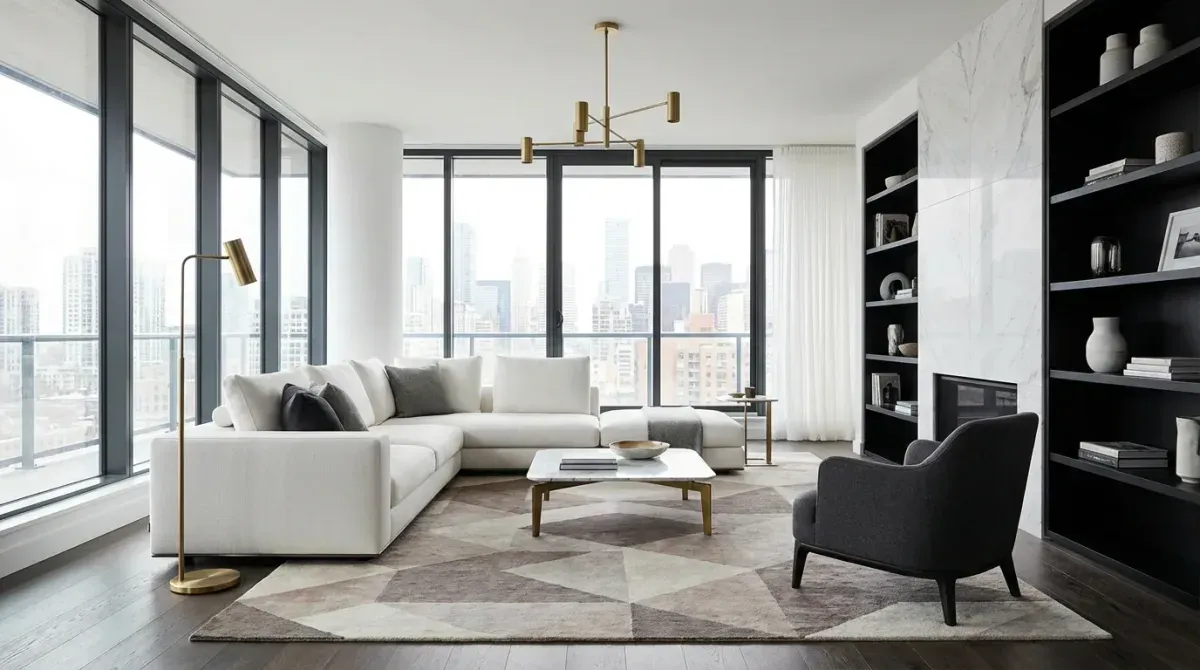
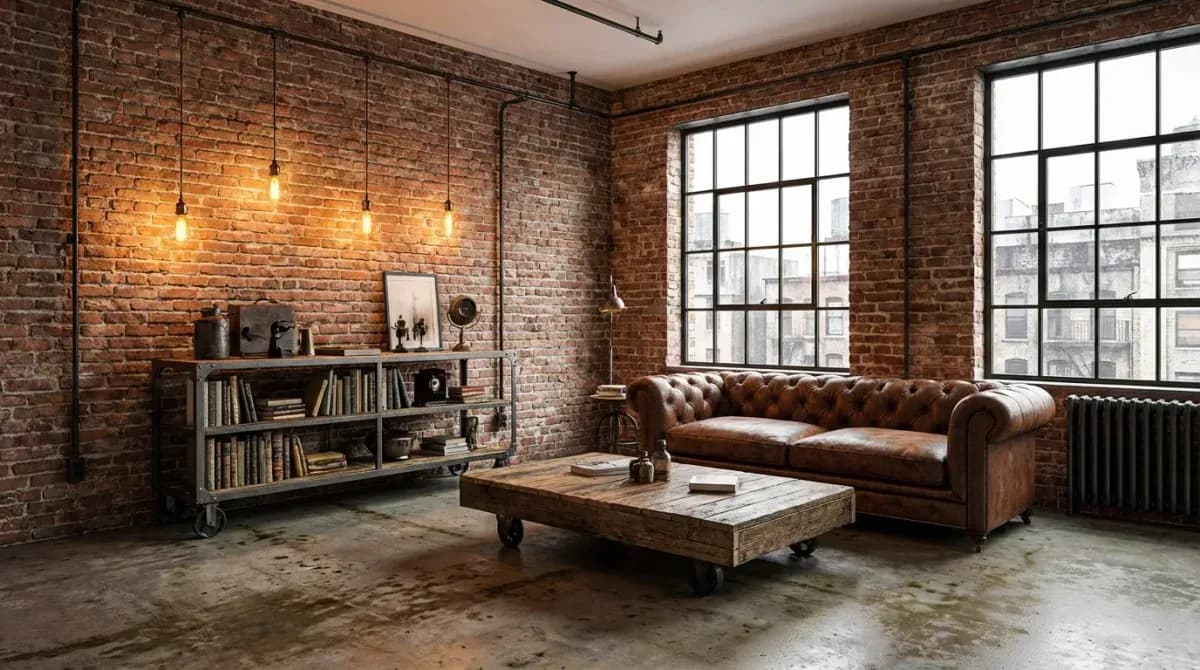
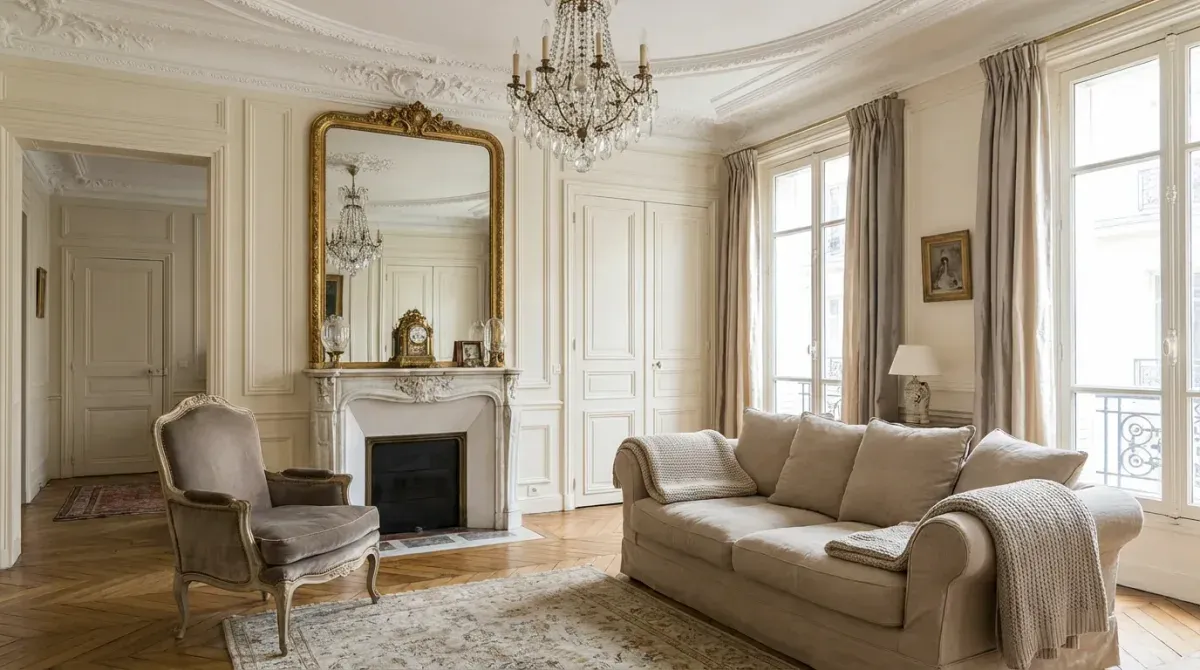
Why AI Dining Room Design Is Gaining Momentum
The dining room occupies a unique position in any home. It is where families gather, guests are entertained, and first impressions are made during open houses. Yet designing a dining space has always been tricky, the table dominates the room, lighting makes or breaks the ambiance, and every piece needs to work together in a relatively compact footprint.
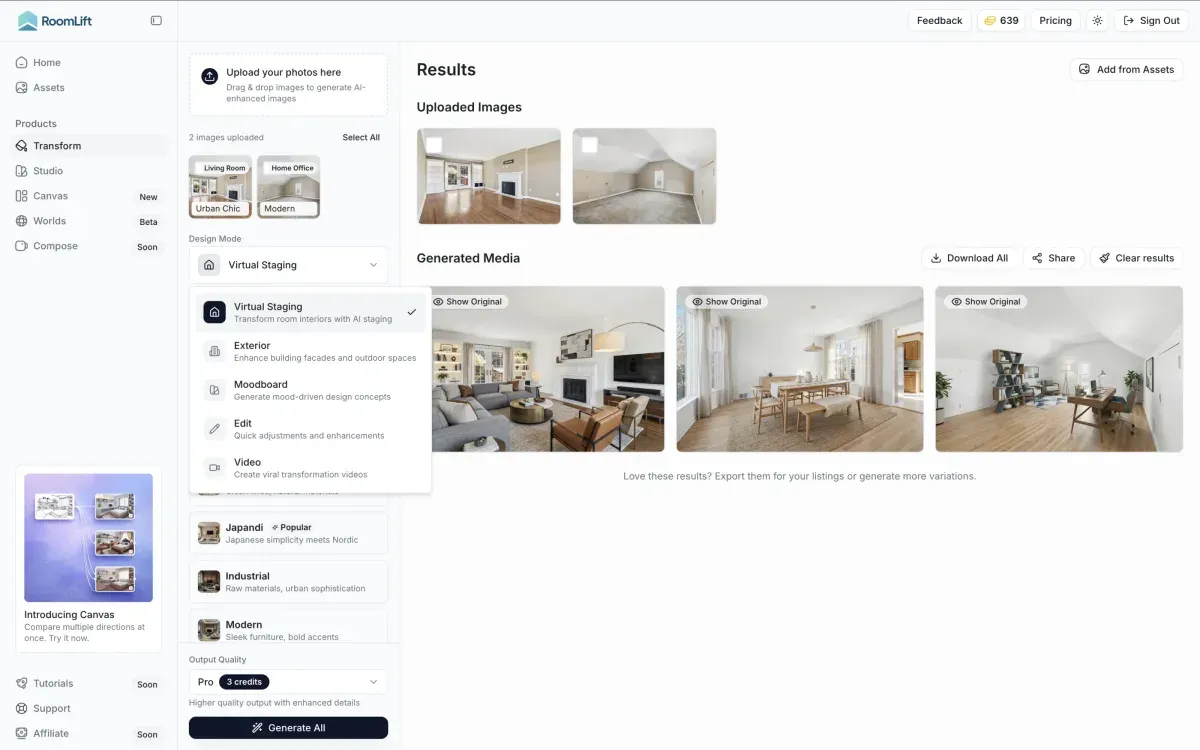
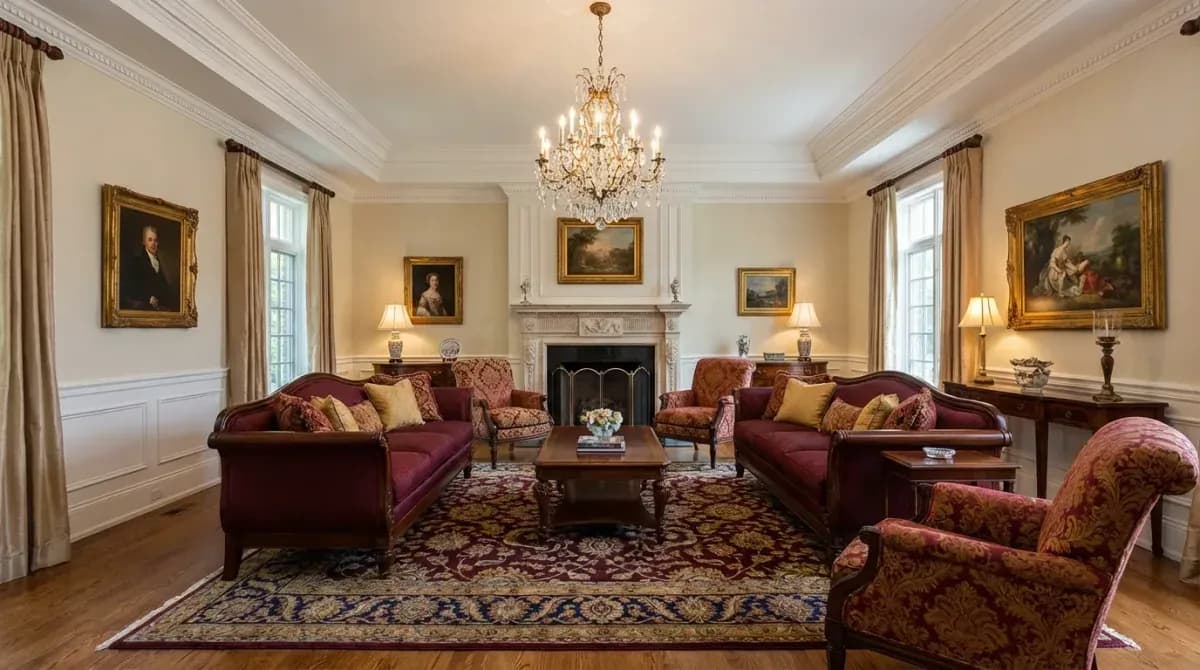
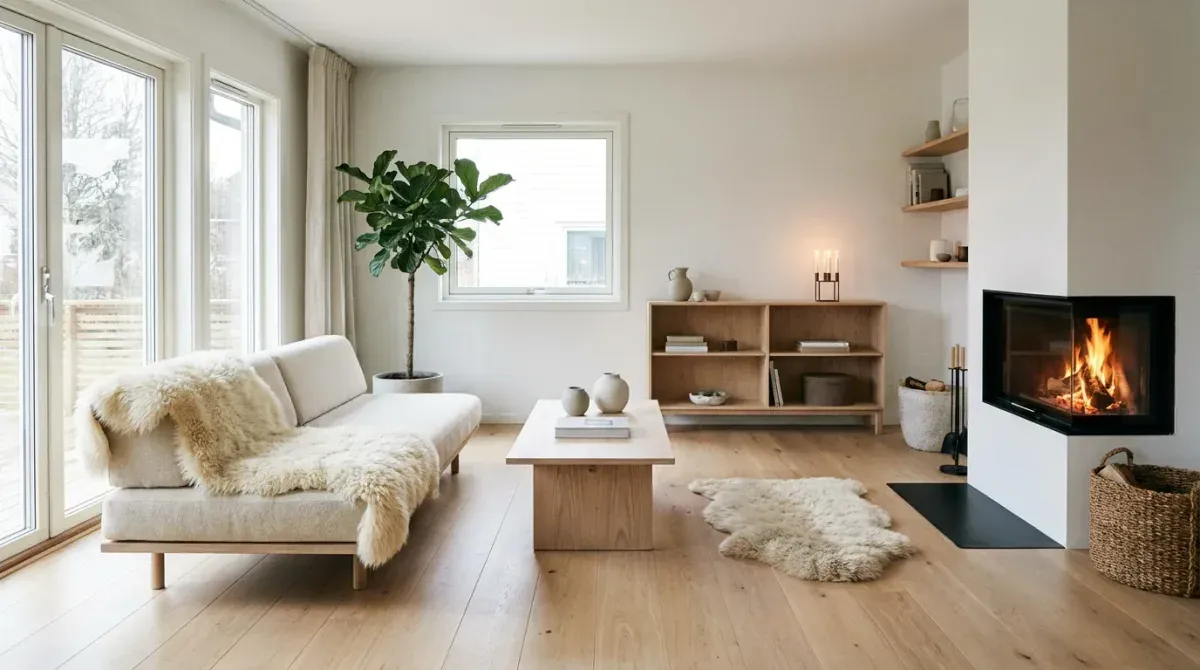
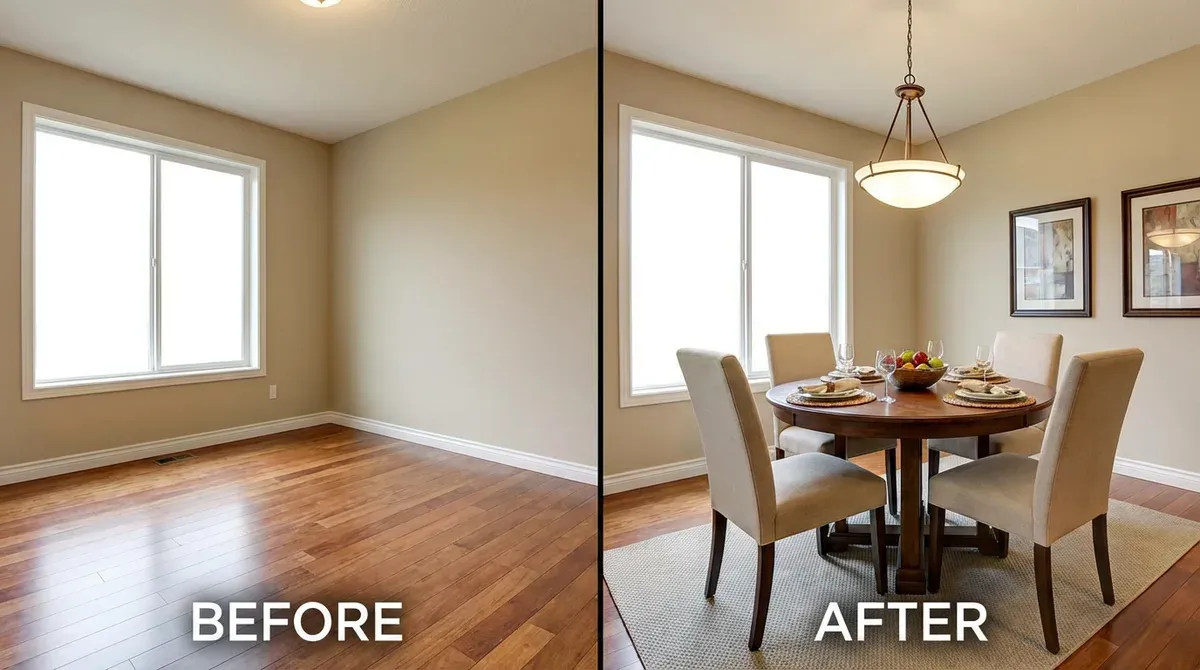
AI dining room design eliminates the guesswork. Interior designers can present clients with a formal Traditional dining room and a relaxed Scandinavian alternative in the same meeting. Real estate agents can stage an empty dining area that photographs as a cold, echoey box and turn it into a warm, inviting space that helps buyers picture holiday dinners and weekend brunches.
Formal Dining vs. Casual Spaces
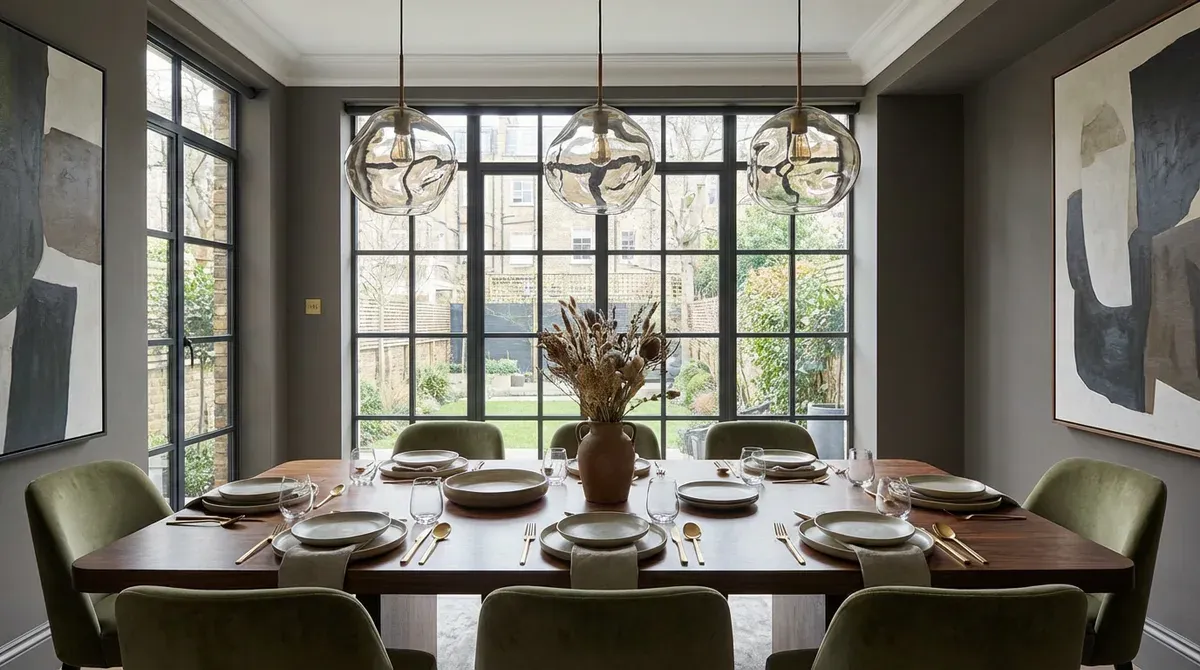
Not every home needs a formal dining room with a 10-seat table and crystal chandelier. AI lets you explore the full spectrum, from elegant formal settings with upholstered chairs and statement lighting to relaxed breakfast nooks with bench seating and pendant lights. Test both directions on the same room photo and let the space tell you what works.
Integrating Dining with Kitchen and Living Areas
Open-plan living has made standalone dining rooms less common. The challenge is designing a dining zone that feels intentional within a larger shared space. AI handles this by analyzing the full room layout and selecting furniture, rugs, and lighting that define the dining area without creating visual barriers. The result is a cohesive design that flows naturally between cooking, eating, and lounging.
Staging Dining Rooms for Listings
Empty dining rooms are notoriously difficult to sell in photos. Without furniture, buyers see a bare box with no sense of scale or purpose. AI staging solves this by placing appropriately sized tables, chairs, and decor that help buyers understand the room's potential. Staged dining room photos consistently outperform empty ones in engagement metrics on listing platforms.